Walk into the meeting ready. Leave knowing what was agreed.
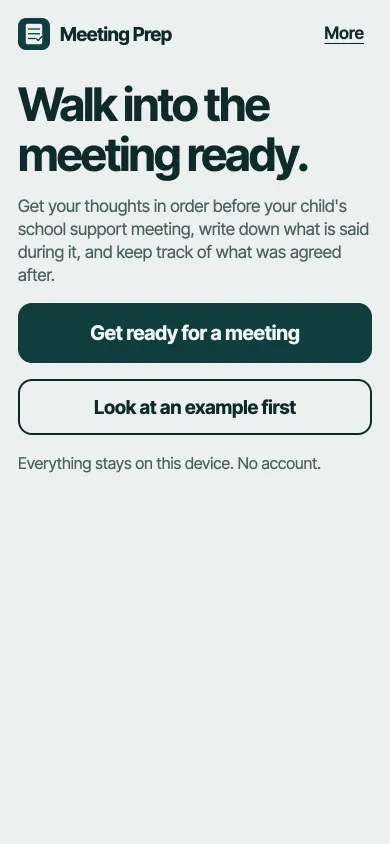
A calm helper for the parent at the table with teachers and specialists. Get your thoughts in order before, write down answers during, and keep track of what happens next.
Get ready for a meetingFree. No account. Your notes stay on your device.
Three steps, one for each part of the meeting
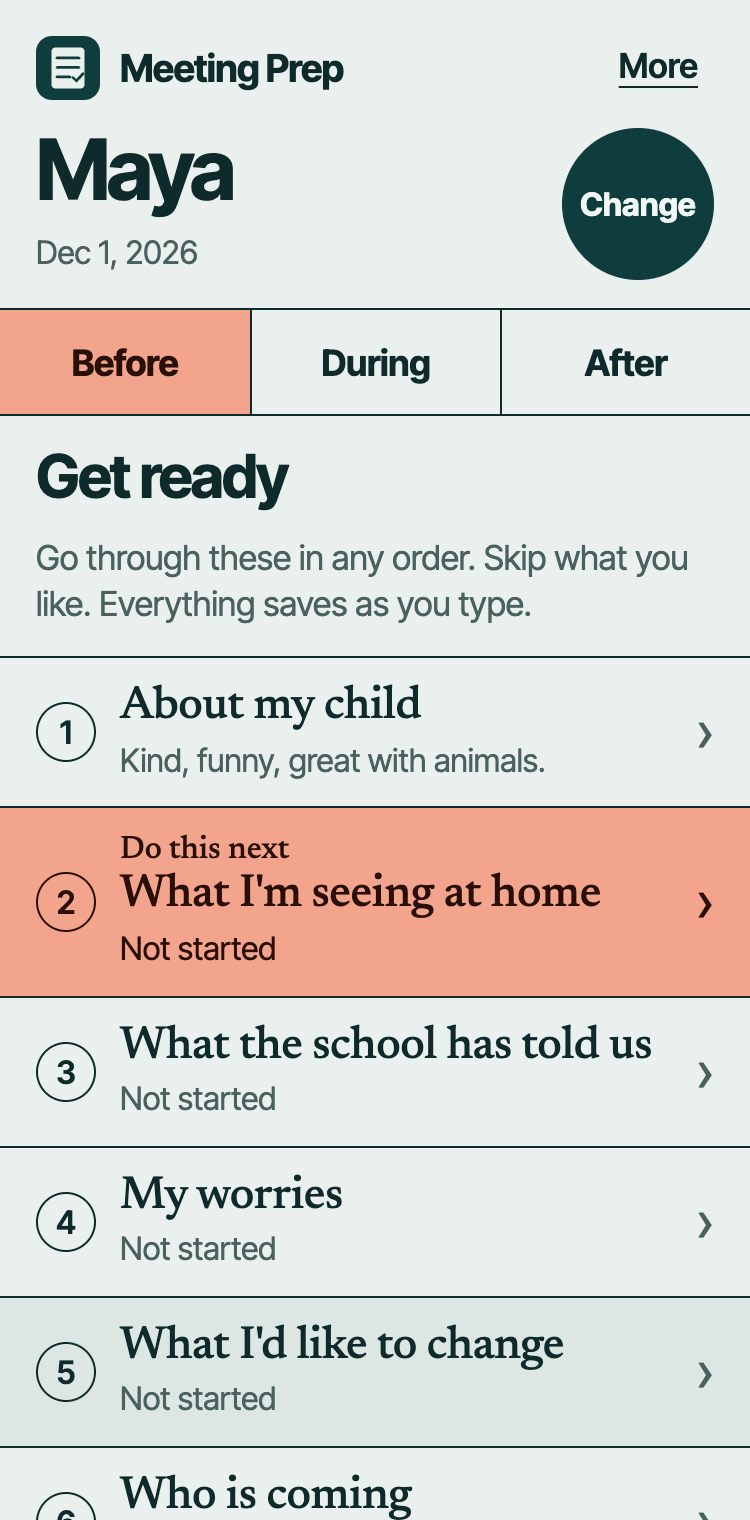
Before
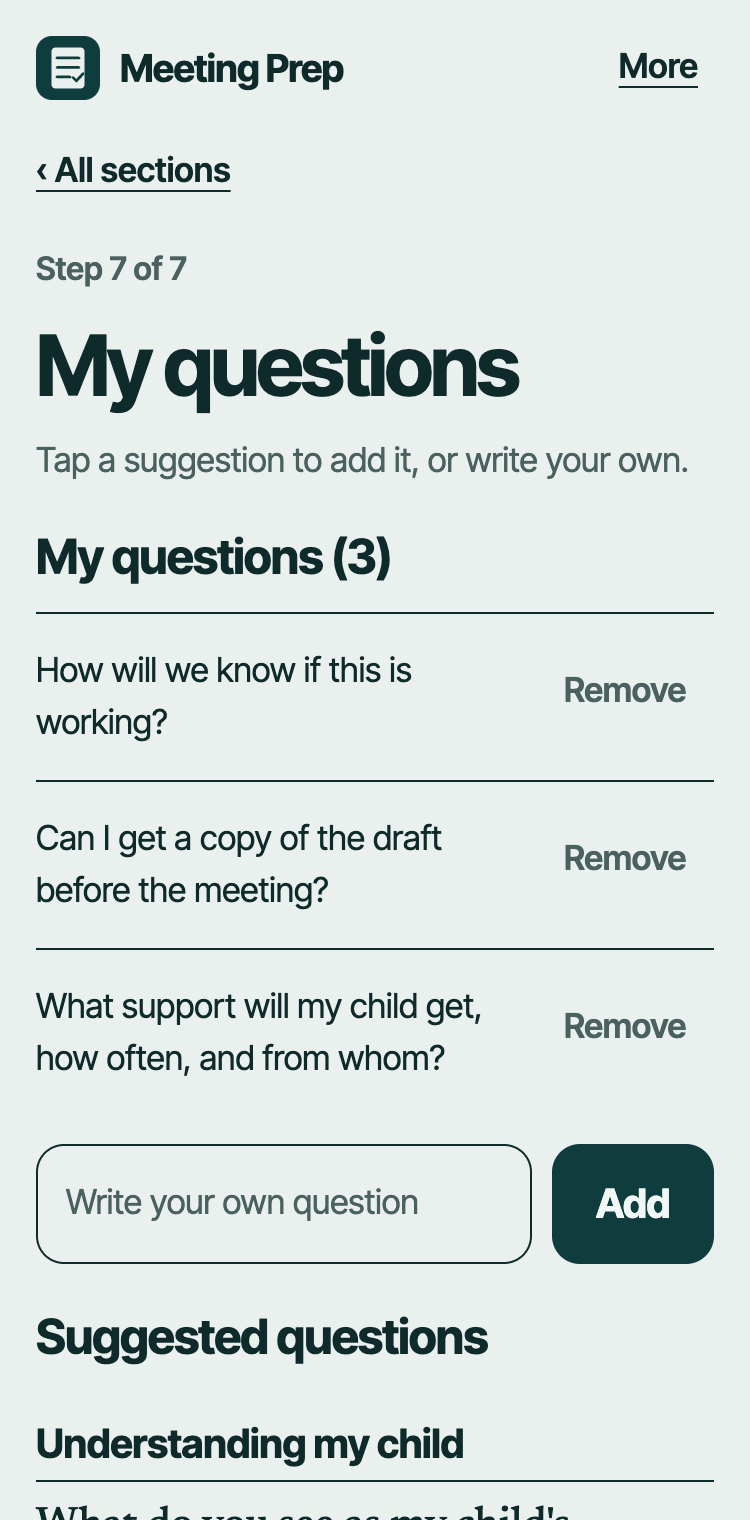
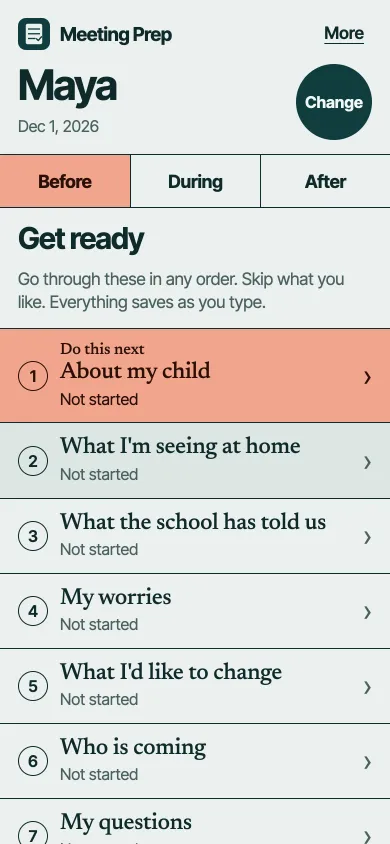
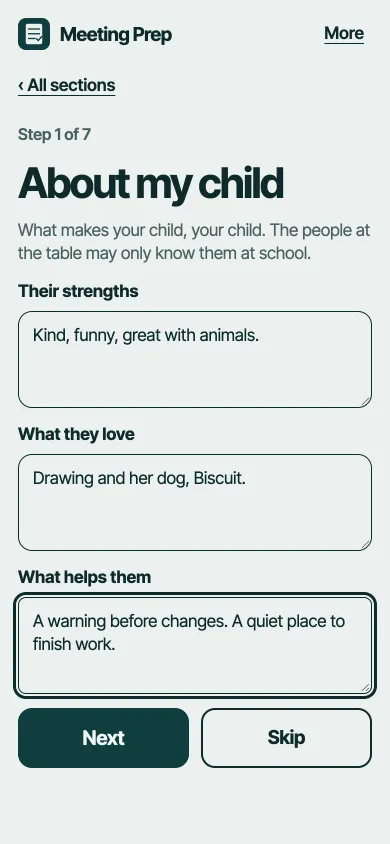
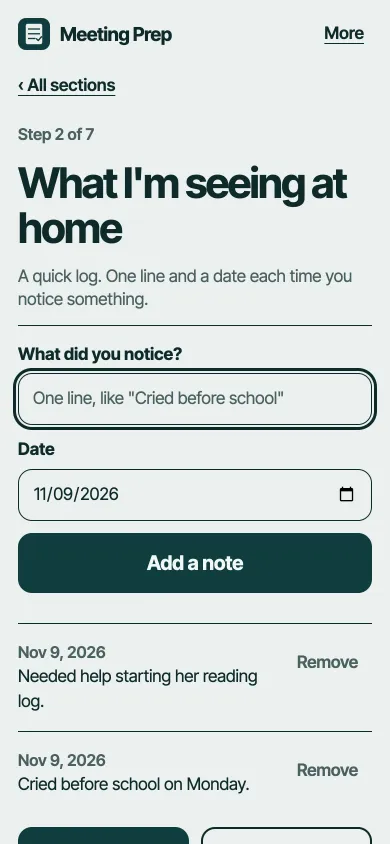
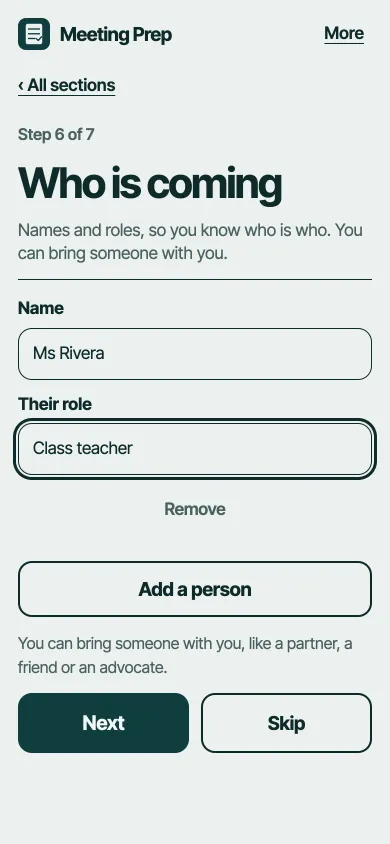
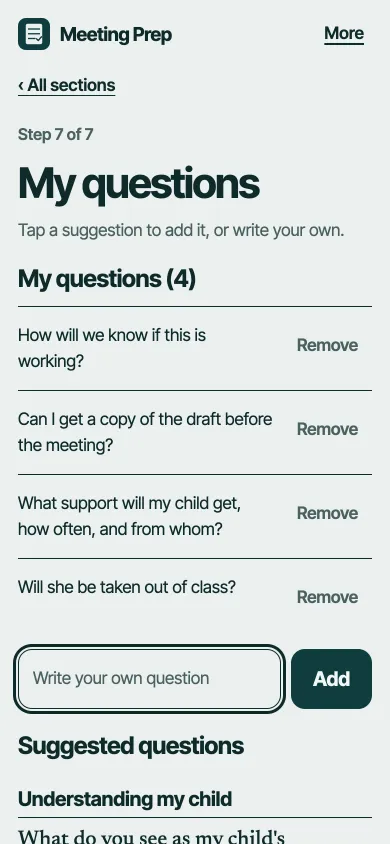
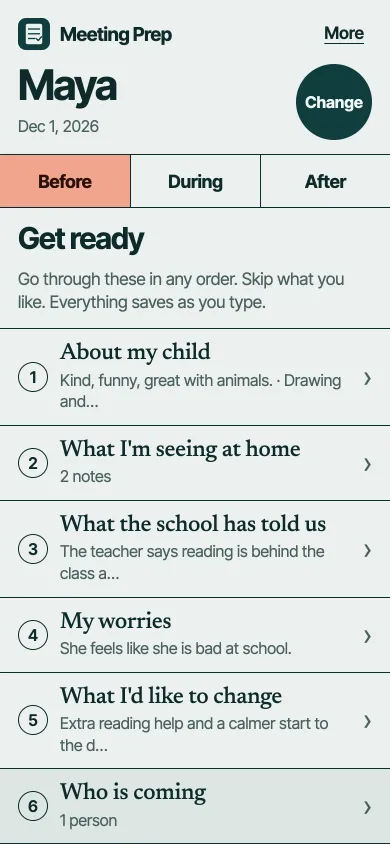
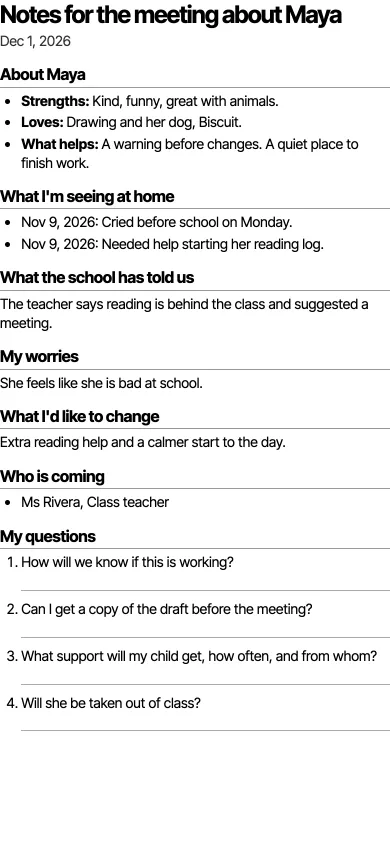
Short sections in plain words: about your child, what you see at home, what the school has told you, your worries, what you'd like to change, who's coming and your questions. Tap from a list of suggested questions, then print one page to take with you.
During
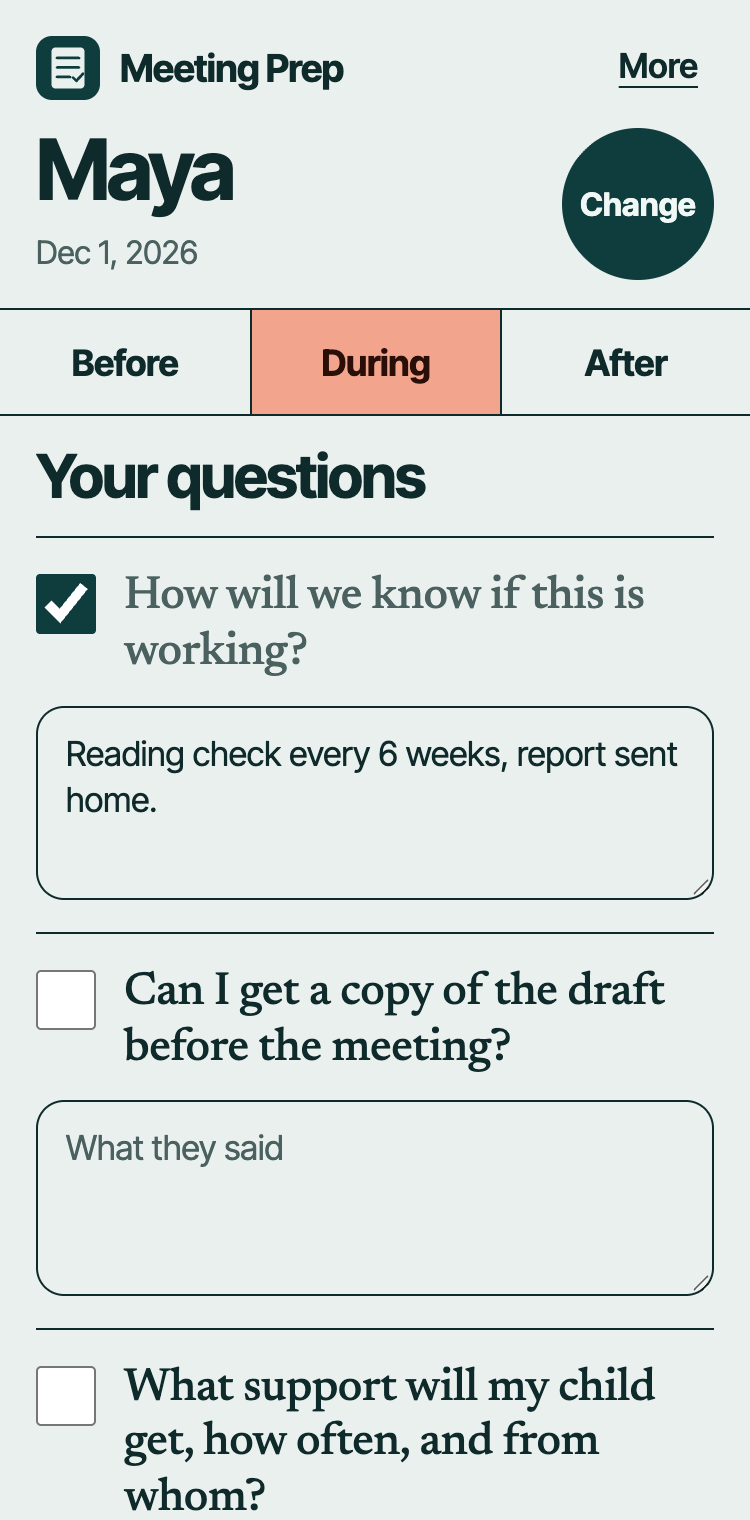
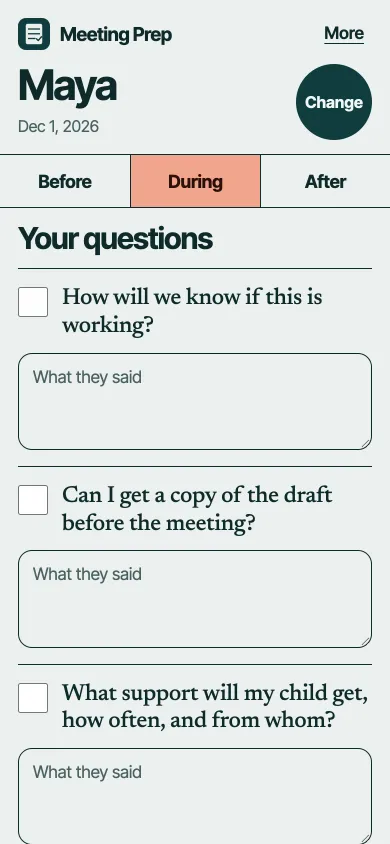
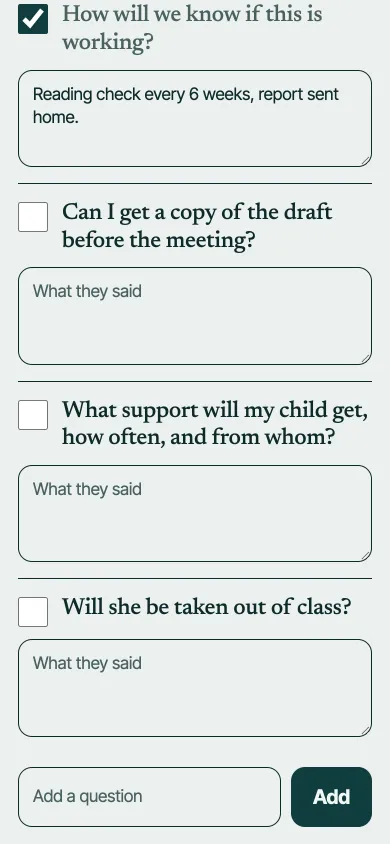
Your questions in big text, each with a space for the answer. Add what they agreed and what needs doing, with one tap.
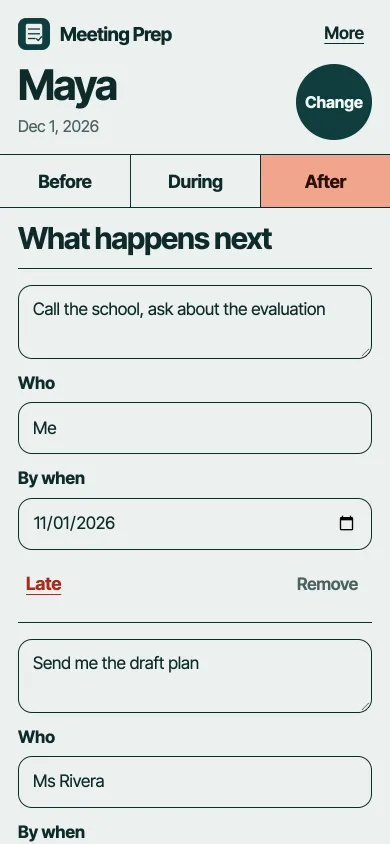
After
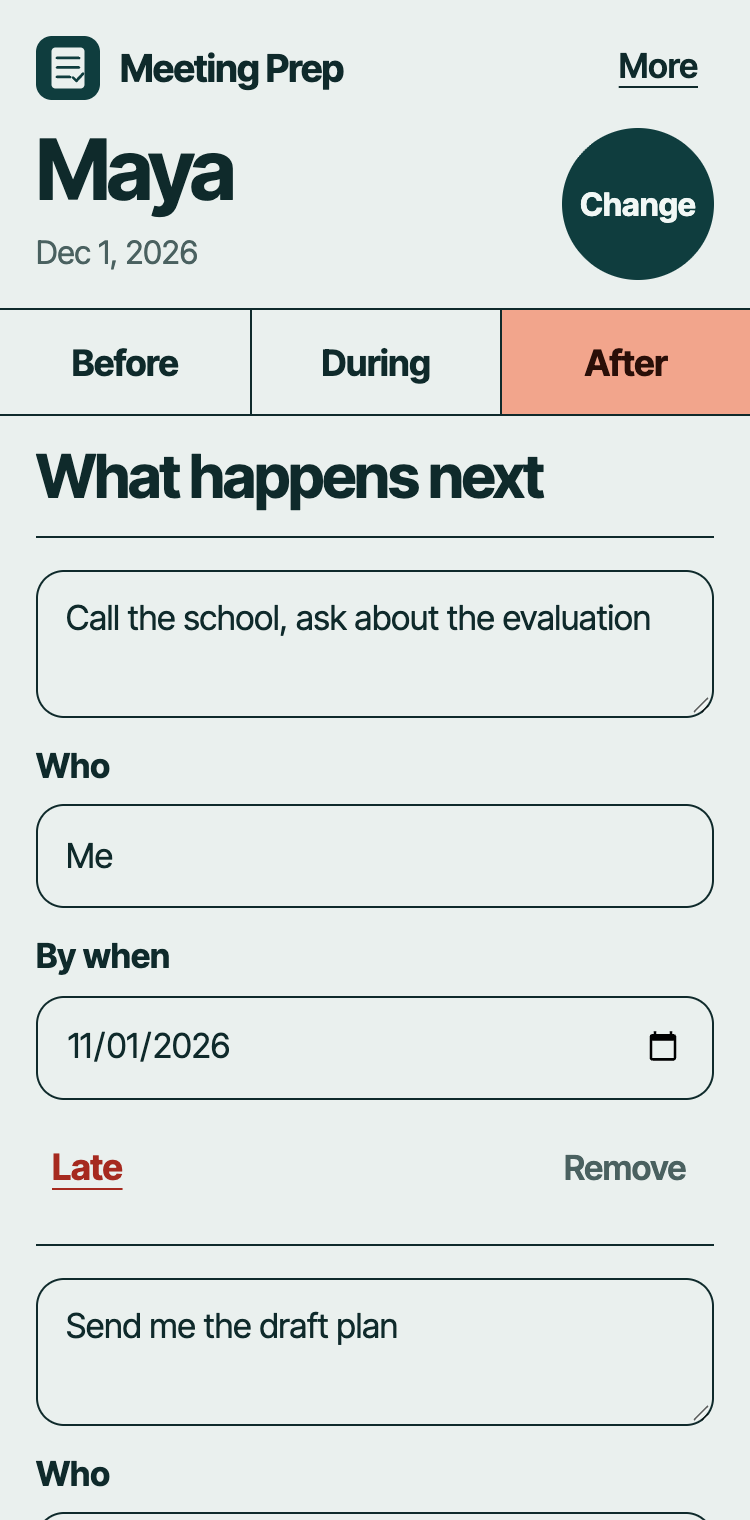
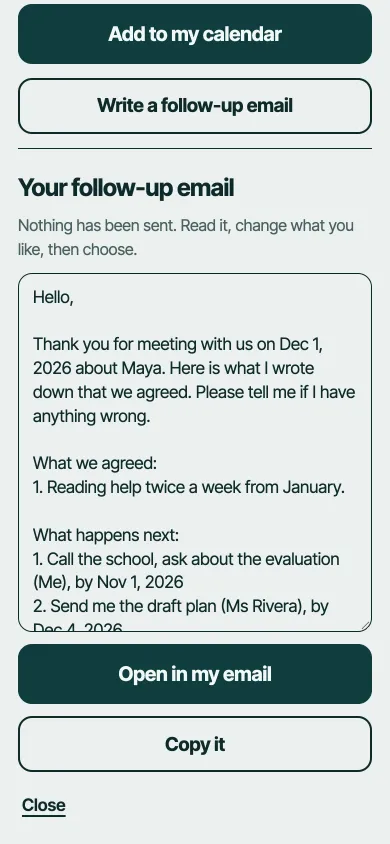
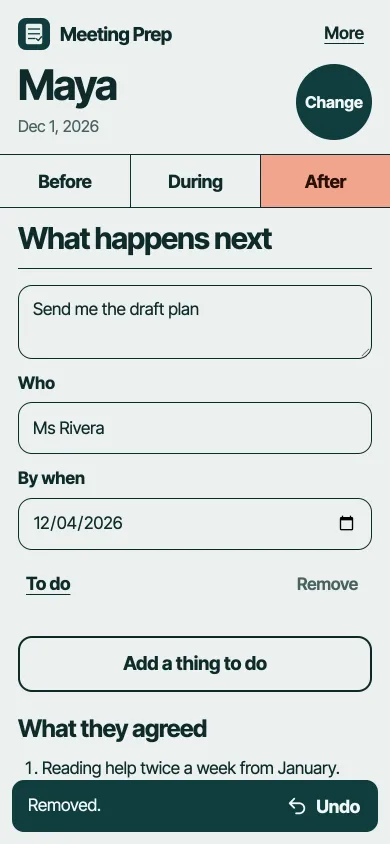
A list of actions with dates. Add them to your calendar, or write a follow-up email you can send yourself.
A look inside
Every screen
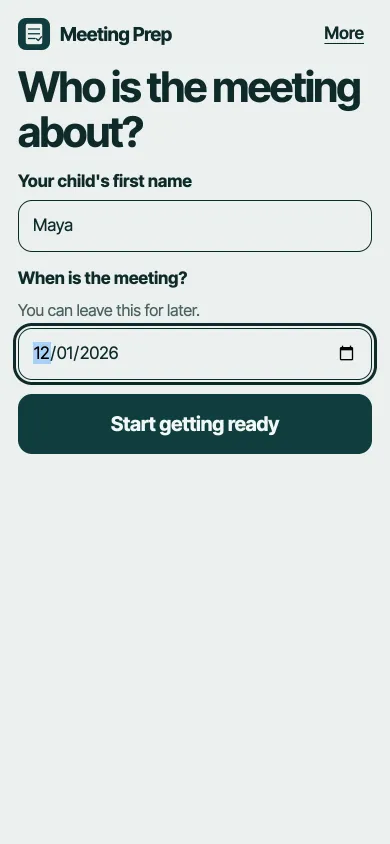
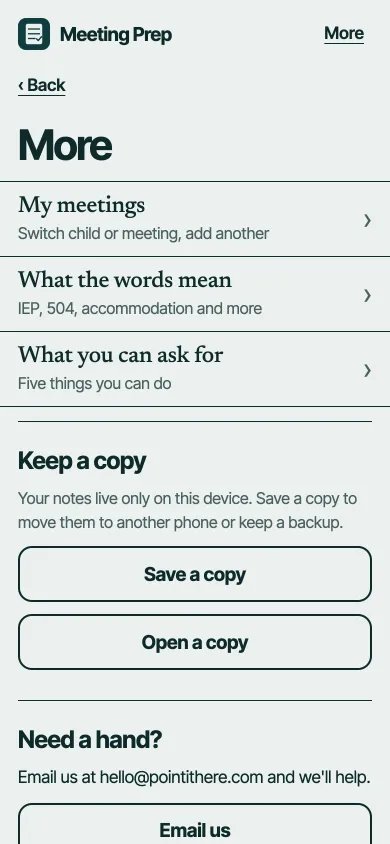
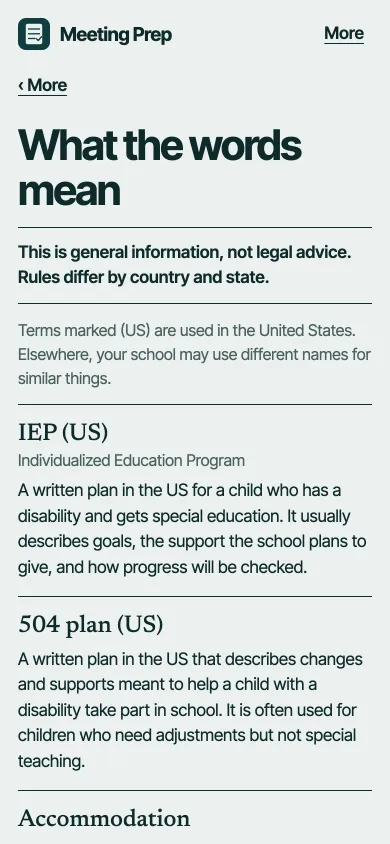
Here is each screen of the app, from the first tap to the follow-up email.

Why we built it
The people who sit down with a parent at a school meeting do it every week. The parent often does it once, with a lot at stake and a lot of unfamiliar words. We wanted a parent to be able to arrive with their own thoughts written down, and to leave with a clear record of what was agreed.
It's about a child, so we made sure it never leaves the phone or computer. Printing, a calendar file and an email you choose to send are the only ways anything gets out. Here's exactly how.
This is general information, not legal advice. Rules differ by country and state.
Questions
Who is it for?
Any parent or carer getting ready for a meeting about extra support at school: an IEP or 504 meeting in the US, or a support plan meeting anywhere else.
Does it cost anything or need an account?
No. Open it and start. There is nothing to sign up for.
Where are my notes kept?
Only in your browser, on your device. We don't have a copy and can't see them. Use "Save a copy" in More to back them up or move them to another device.
Does it work without internet?
Yes, once it has opened once on your device.
Does it tell me my legal rights?
No. It shares a few plain tips, like "you can bring someone with you", and a glossary of common words. It's general information, not legal advice. Ask your school or a local support organisation if you need advice for your situation.
Can I use it for more than one child?
Yes. Add as many children and meetings as you need.